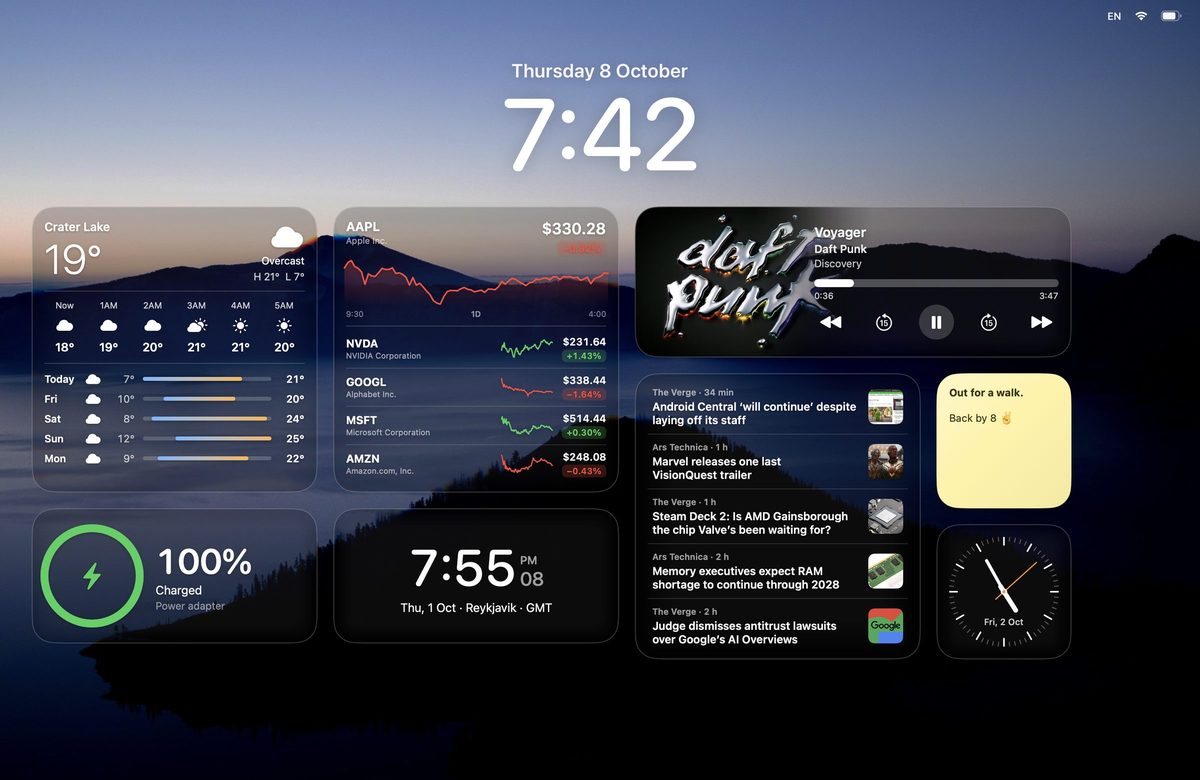
Put it anywhere.
Widgets for your Mac's lock screen. Drag them onto your own wallpaper — they snap when you want, and stay out of the way when you don't.
No account. One email when it's ready — that's it.
Thirteen widgets · three looks
Everything you glance at — before you even log in.
These are the real widgets, on a real lock screen. Each one can be Clear, Frosted, or Dark — pick a look and watch them change.
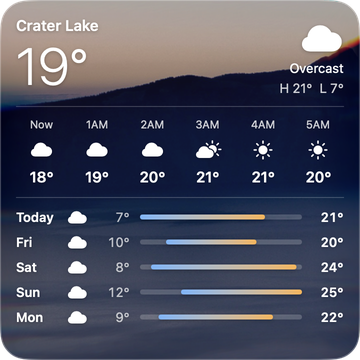
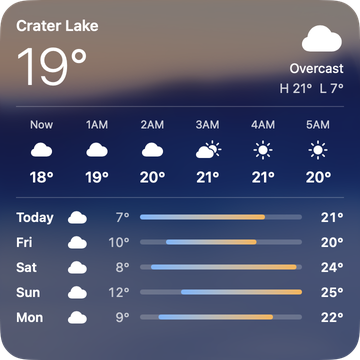
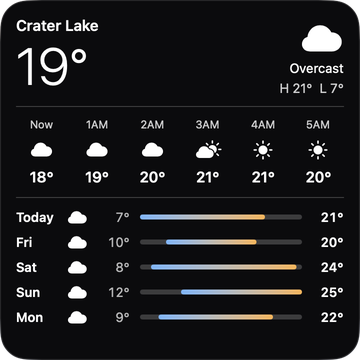
Weather
Now, the next hours, the next days.
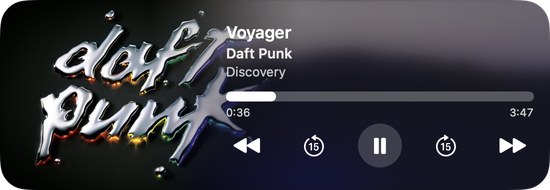
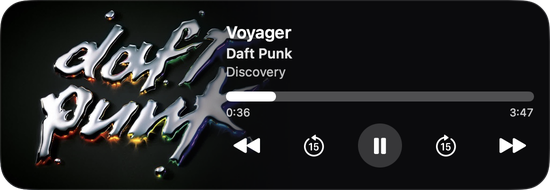
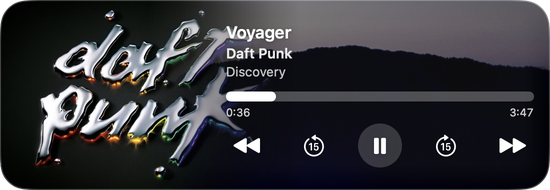
Now Playing
Play, pause, skip — and a scrubber you can drag.
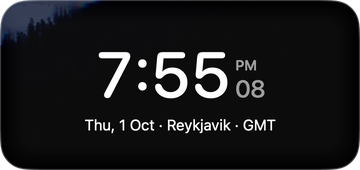
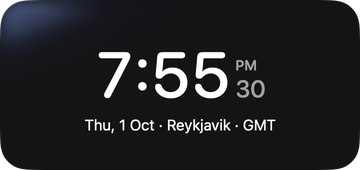
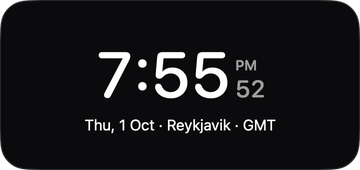
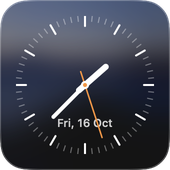
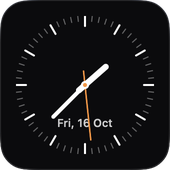
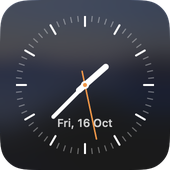
Clock
Analog or digital, any time zone.
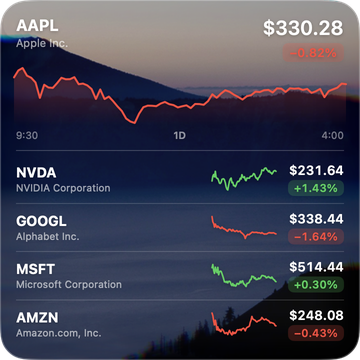
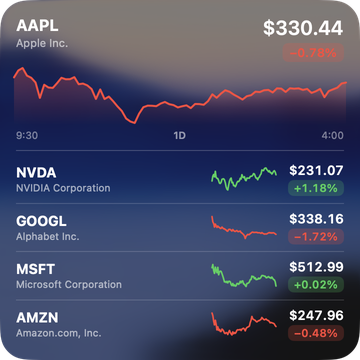
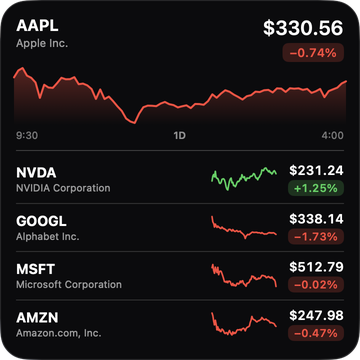
Stocks
Your watchlist with sparklines and a featured chart.
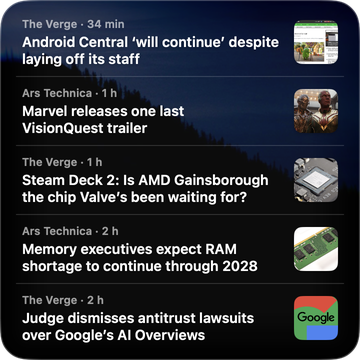
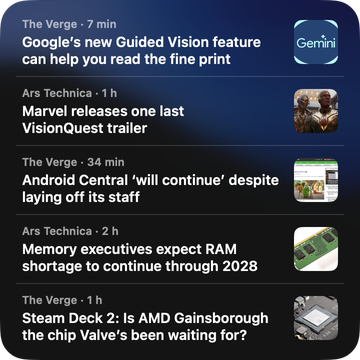
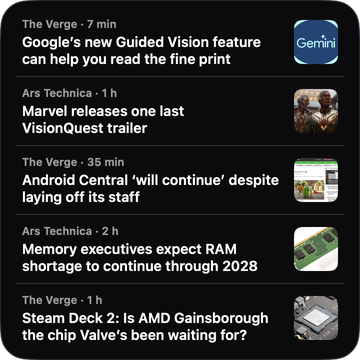
News
Headlines from feeds you choose. Click one — it opens after you unlock.
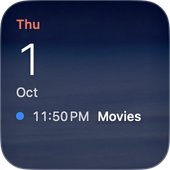
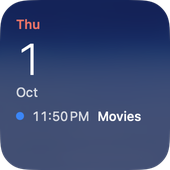
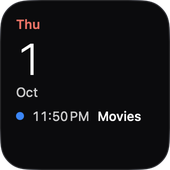
Calendar
What's next today.
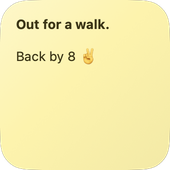
Sticky Notes
A note to yourself — or to whoever walks past.
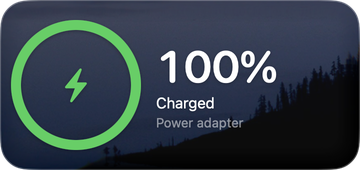
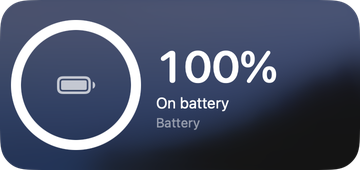
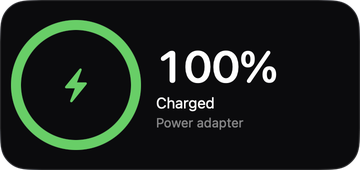
Battery
Your Mac's charge at a glance.
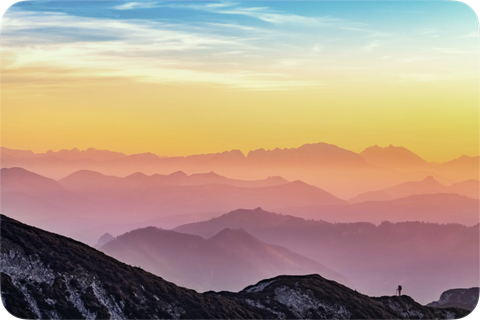
Photos
A slideshow from your folders or your Photos albums.
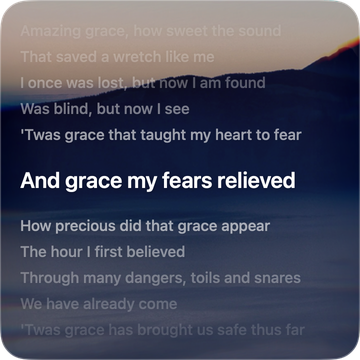
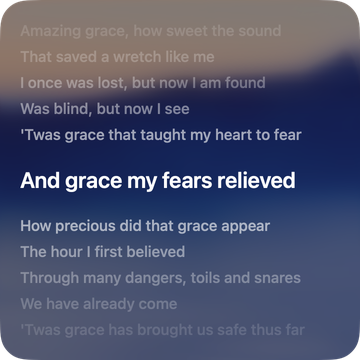
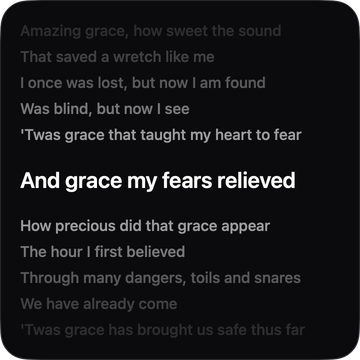
Lyrics
Synced to the song. Yes, on the lock screen.
Example only — shown with “Amazing Grace”, a public-domain hymn.
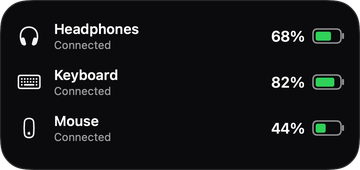
Accessories
AirPods, keyboard, mouse, trackpad — who needs charging.
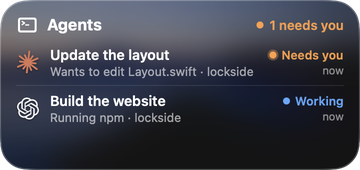
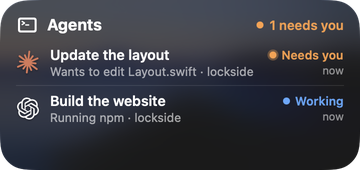
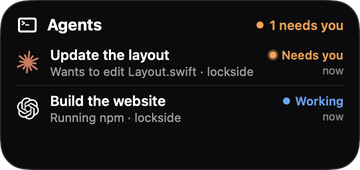
Agents
See when Claude Code or Codex needs you, is working, or has finished.
Example sessions, rendered by the real widget.
Layout Studio
No grid you didn't ask for.
Layout Studio shows a picture of your real lock screen — your wallpaper, the clock, the login bits. Drag a widget onto it, pick a size, done.
01
Drag anywhere
Top-left corner, dead centre, tucked under the clock.
02
Snaps when you want it
Edges, centre lines, other widgets. Hold ⌥ to drag freely.
03
Five sizes
Compact to Large — plus freeform and four of a kind with Pro.
Nothing leaves your Mac except what you ask for.
No account in the app
The Mac app sends no usage analytics. This website counts visits with Umami.
Only the requests you set up
Weather for your place, prices for your watchlist, lyrics for the song, your news feeds. That's the list.
Permissions when needed
Calendar and Photos access are asked for only if you use those widgets.
Pricing
Free to start. Pro if you want more.
Free
A complete lock screen — seven widgets, Layout Studio, five sizes.
Pro
Lyrics, Stocks, Sticky Notes, News, System Monitor, Agents, freeform sizes, and up to four of a kind. Price announced at launch — the waitlist gets launch pricing.
Questions
Fair things to ask.
When can I get it?
Soon. There's no date yet — the waitlist hears first.
Which Macs does it run on?
Any Mac running macOS 26 or later.
Do the widgets sit on my desktop too?
No. They appear when your Mac locks and vanish when you unlock.
Can I control my music without unlocking?
Yes — play, pause, skip, and drag the scrubber, right from the lock screen.
Your lock screen's been empty long enough.
Leave your email. I'll send one message when Lockside is ready — and the launch price for Pro.