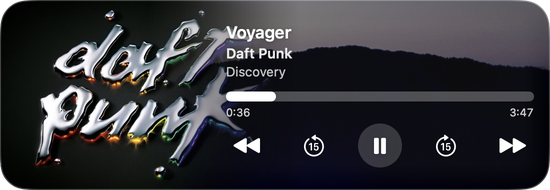
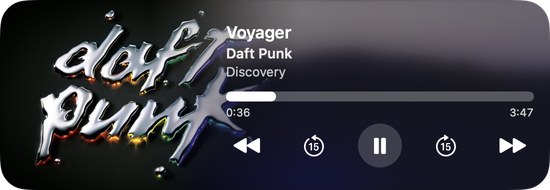
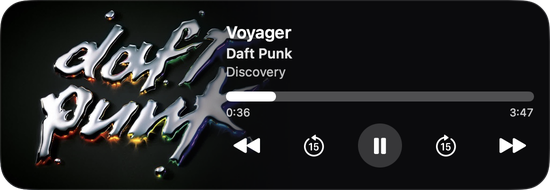
FreeNow PlayingArtwork, title, artist, and real controls — play, pause, skip, and a scrubber you can drag to seek.Works with Music, Spotify, browsers — anything that uses your Mac's media keys.
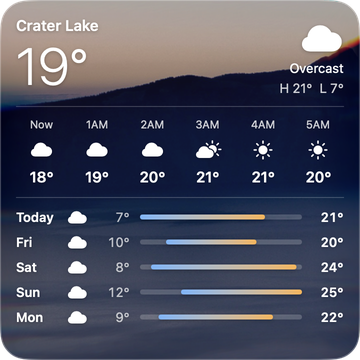
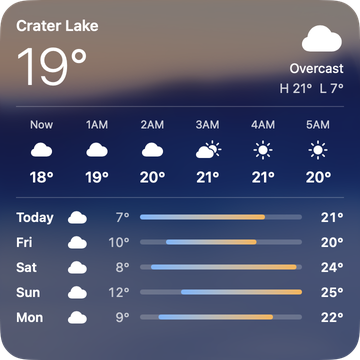
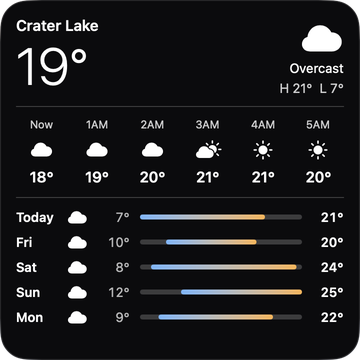
FreeWeatherCurrent conditions plus hourly and daily forecasts. Celsius or Fahrenheit.For the place you pick — or your location, read once if you ask for it.
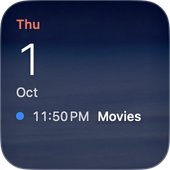
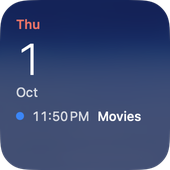
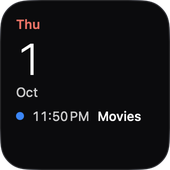
FreeCalendarToday's or upcoming events from the calendars you tick. Titles can be hidden for shared spaces.Your Mac's calendars. Access is asked for only when you turn this on.
FreePhotosA slideshow — shuffled or in order — from folders, single files, or albums in your Photos library.Your disk and your Photos library, read when the Mac locks.
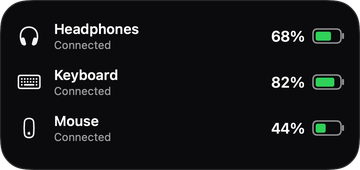
FreeAccessoriesBattery for connected Bluetooth gear — AirPods per bud, Magic keyboard, mouse, trackpad. Hides itself when nothing's connected.Dark look with example levels. Live readings come from your Mac.
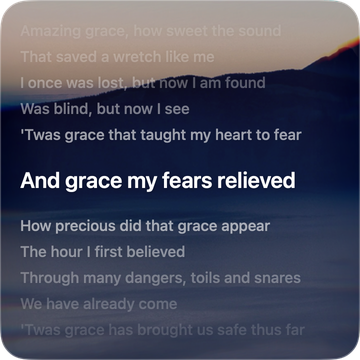
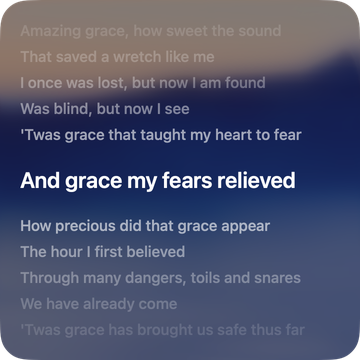
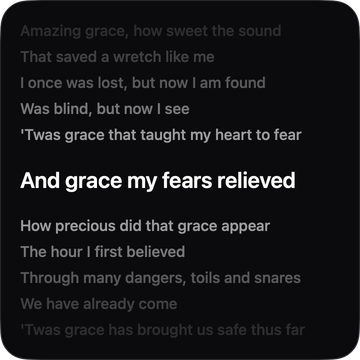
ProLyricsSynced lyrics that follow whatever's playing. The Large size shows eleven lines at once.Example only — shown with “Amazing Grace”, a public-domain hymn.Looked up for the current track; never stored.
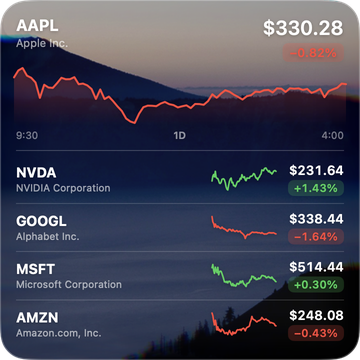
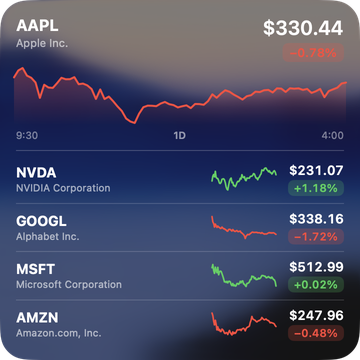
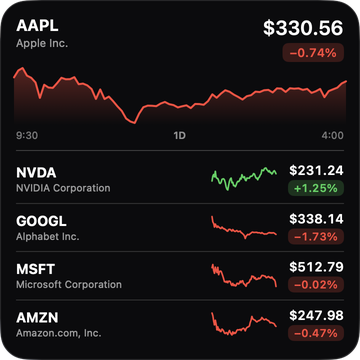
ProStocksA watchlist with sparklines, a featured chart from one day to max, and the change per symbol.Prices for the symbols on your watchlist, refreshed while a market is open.
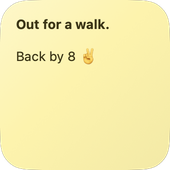
ProSticky NotesPlain text on coloured paper, with bullets and checkboxes. A note to yourself — or to whoever walks past.Text you type in Settings. It stays on your Mac.
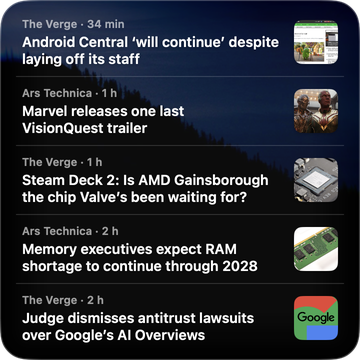
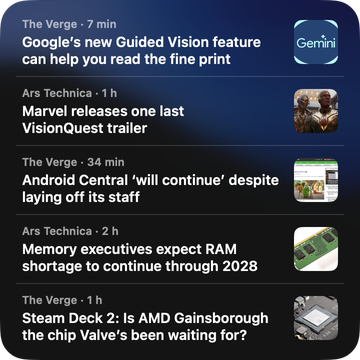
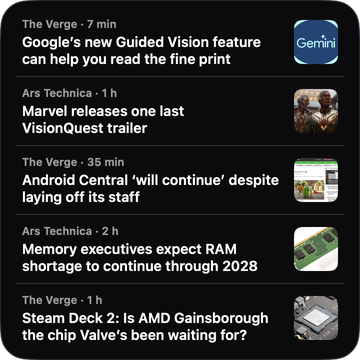
ProNewsHeadlines with thumbnails from the feeds you choose. Click one on the lock screen and it opens after you unlock.Your feeds — presets or any RSS address.
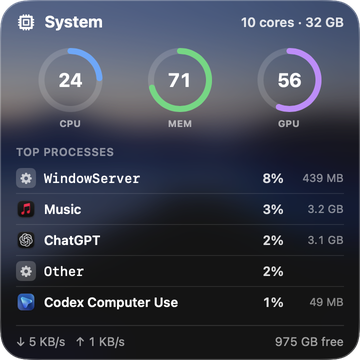
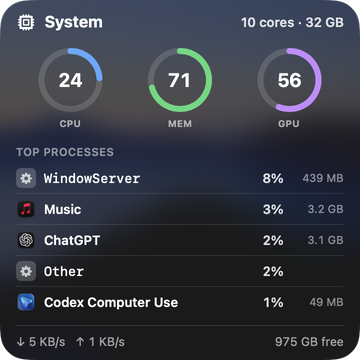
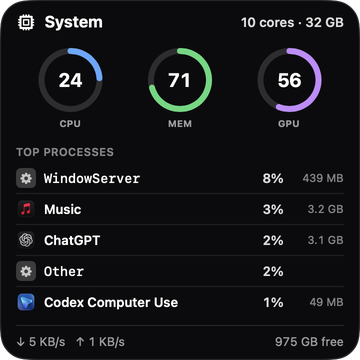
ProSystem MonitorSee CPU and memory use at a glance, with a GPU ring when your Mac supports it. Larger sizes show which apps are busiest.Real snapshot. Readings update on your Mac while it is locked.
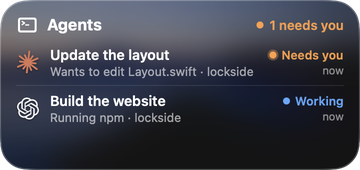
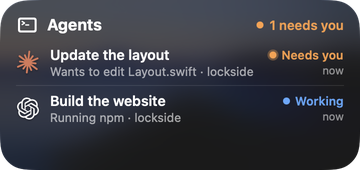
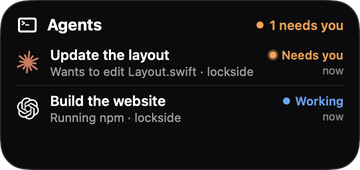
ProAgentsKeep an eye on Claude Code and Codex sessions. See who's working, who's finished, and who needs your attention without unlocking.Example sessions, rendered by the real widget. Session data stays on your Mac.